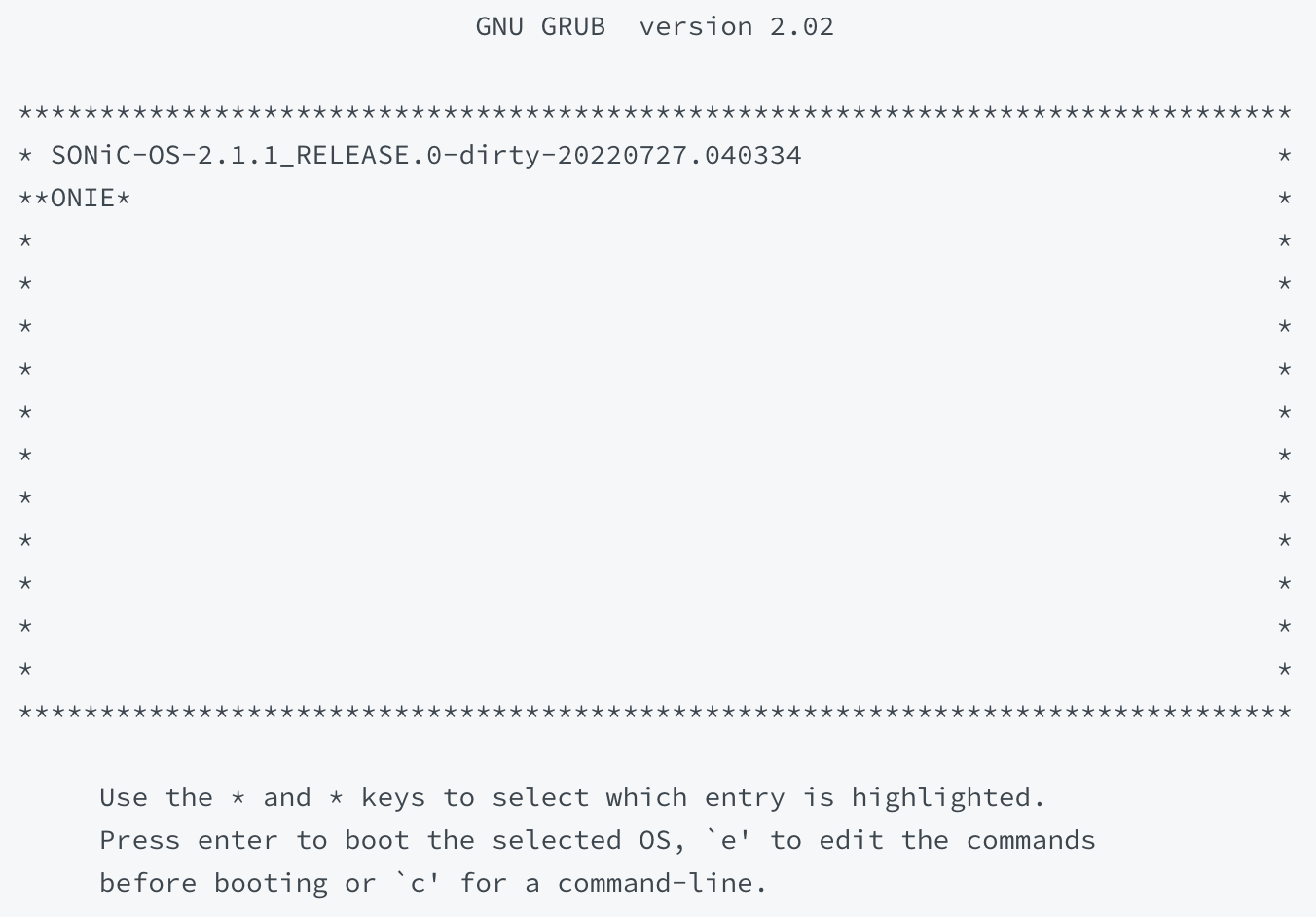
Loading...
Loading...
Loading...
Loading...
Loading...
Loading...
Loading...
Loading...
Loading...
Loading...
Loading...
ONIE:/ # onie-discovery-stop ONIE:/ # ifconfig eth0 <mgmt-ip> netmask <netmask> up
//Example - ifconfig eth0 10.4.4.72 netmask 255.255.254.0 upONIE:/ # route add default gw <gw-ip>
//Example - route add default gw 10.4.4.1 //Copy image -
ONIE:/ # scp <user>@<server-ip>:/<dir>/opb-nos.bin opbnos.bin
//Example - scp aviz@10.2.2.10:/images/opb/opb-nos.bin opbnos.bin
//Install copied image -
ONIE:/ # onie-nos-install <image-name.bin>
//Example - onie-nos-install opbnos.binaviz@10.2.2.10:/images/opb$ python3 -m http.server 8030ONIE:/ # onie-nos-install http://<IP>:<port>/<opb-nos.bin>
//Example - onie-nos-install http://10.2.2.10:8030/opb-nos-20220714.2.1.1.binONIE:/ # onie-discovery-stop ONIE:/ # mkdir /mnt/mediaONIE:/ # mount -t vfat /mnt/media
Example - ONIE:/ # mount -t vfat /dev/sdb1 /mnt/mediaONIE:/ # onie-nos-install /mnt/media/opbnos.bin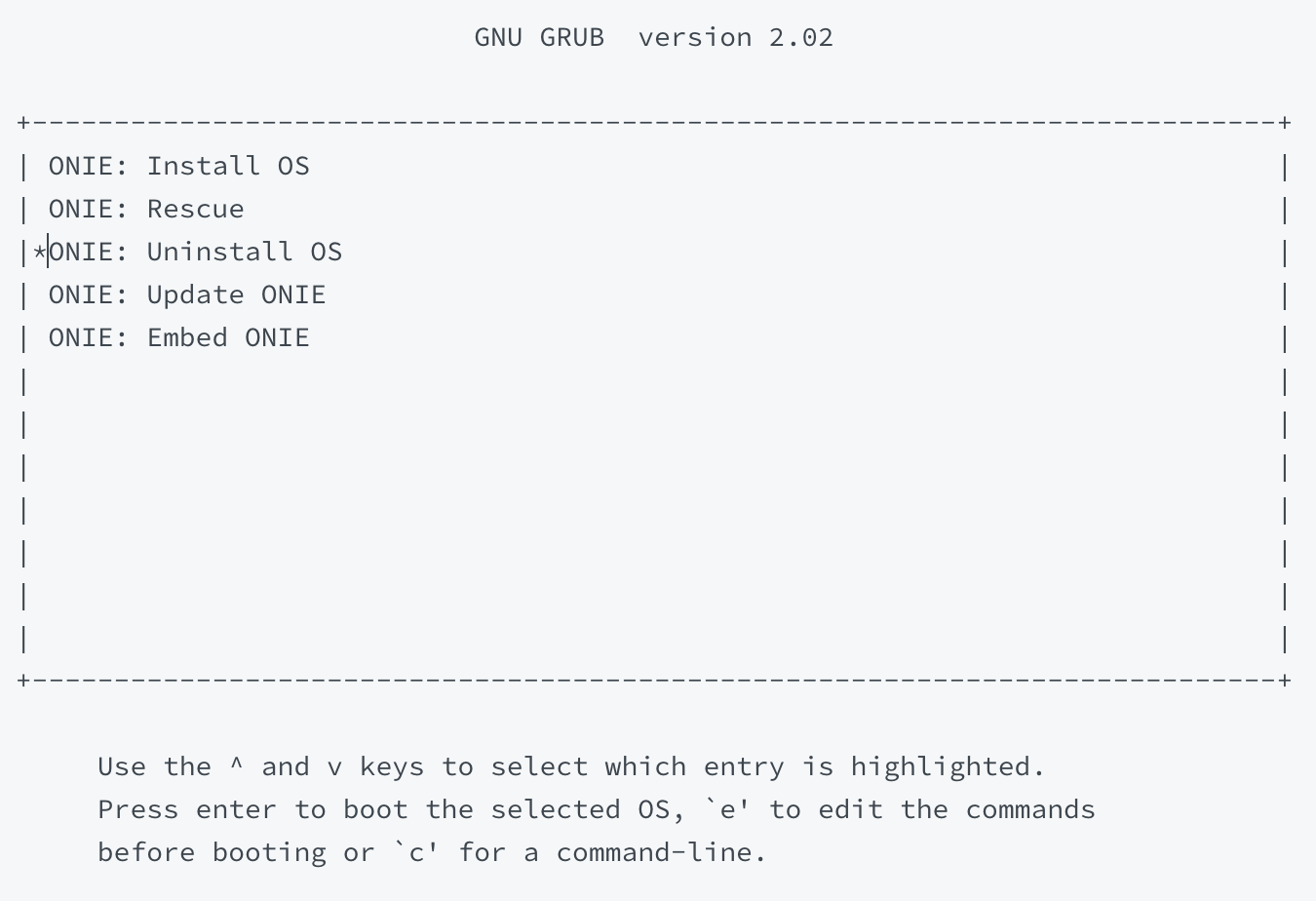
pbnoscli# remove-image <image-name>
//Example - remove-image SONiC-OS-2.1.1_RELEASE.0-dirty-20220718.065117pbnoscli#cleanup-images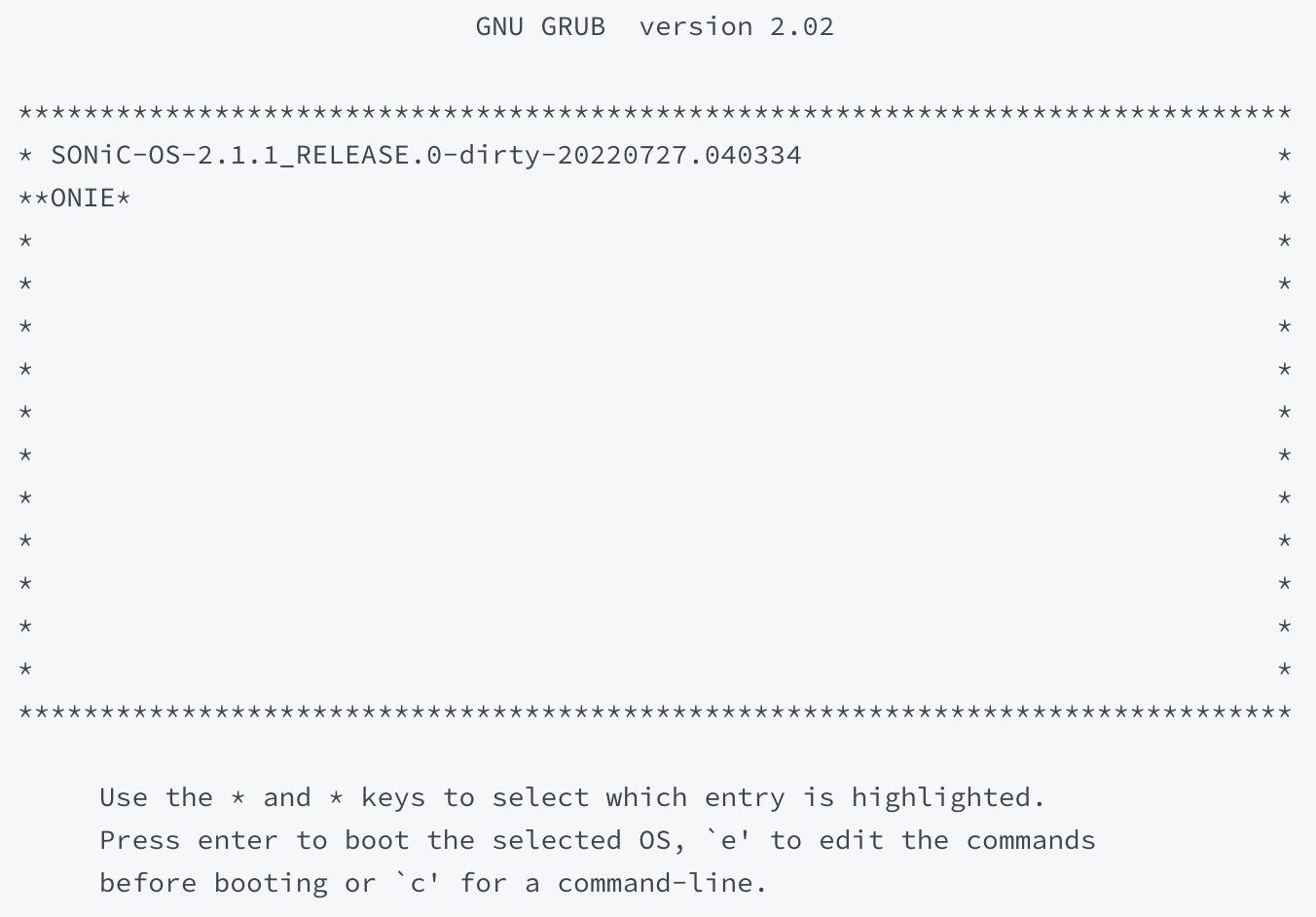
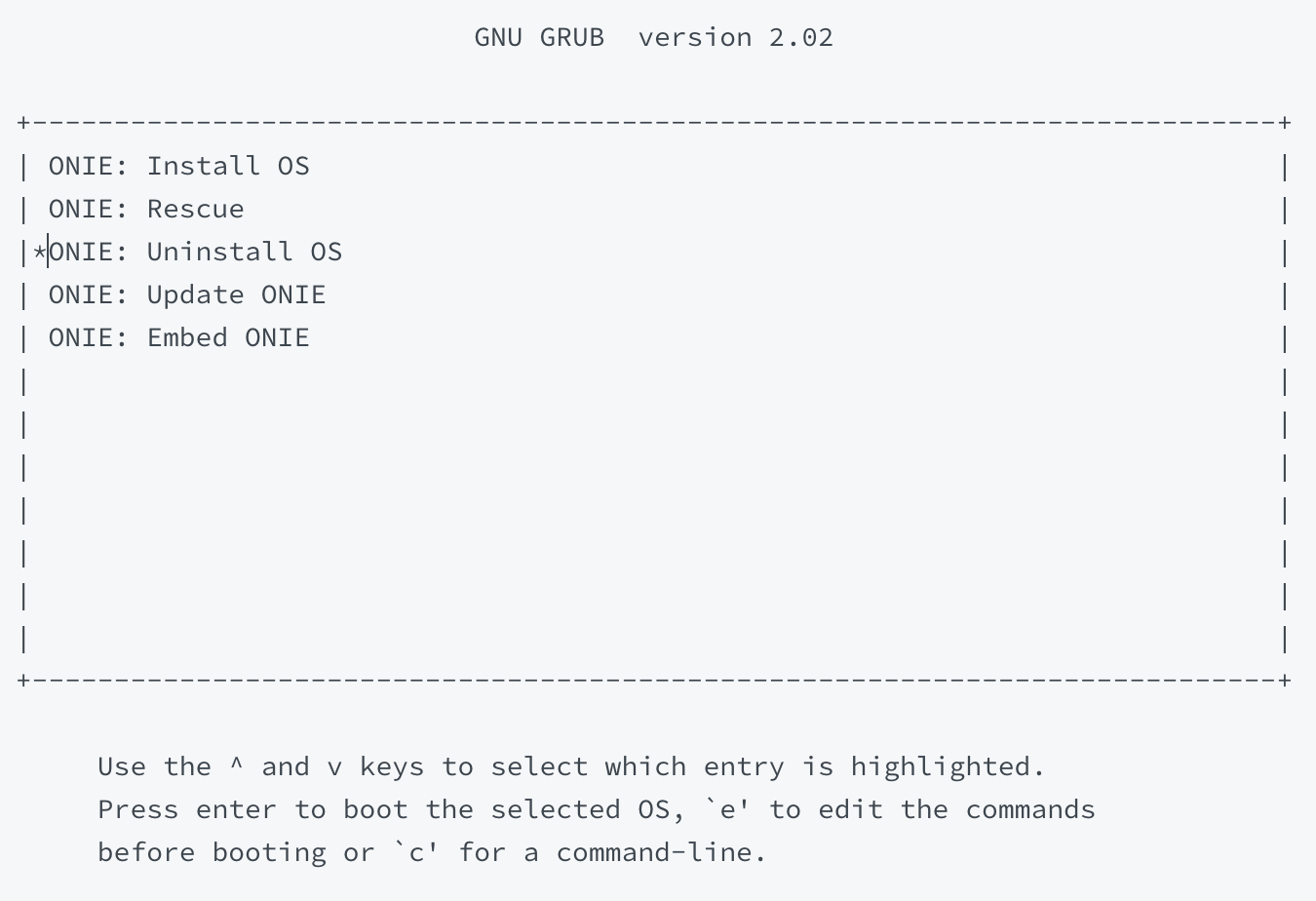
pbnoscli# save
  save                  Copy Running configuration to Startup configuration
pbnoscli# save
Saving Configuration

pbnoscli# reboot
Check if running config is saved
Do you want to reboot the device [y/n]: y