# Installing ONES Multisite
ONES Multisite Application - Installation Steps
* Enable super-user mode
`user@ones:~$`` `**`sudo su`**
* Extract the contents of the downloaded ONES Installer tar.gz file
`root@ones:~$`` `**`tar -xvf ones-multisite-v4.0.0.tar.bz2`**
```log
ones-multisite/
ones-multisite/README.txt
ones-multisite/docker-compose.yml
ones-multisite/ones-multisite.tar
```
* Go to ones-multisite directory on the server machine
`root@ones-aplication:~$`` `**`cd ones-multisite`**
* Run untar the installer packet to Install the ONES Multisite function
`root@ones:~/ones-multisite$`` `**`tar -xvf ones-multisite.tar`**
```log
0b26520cd4bec60d71bb05db9db8bfae8173ef8e0ec1f593bbc8988cb8f16cb7.json
0b3145a235c026e1c52ff0a2607b12e9161c25757b70f5f5574209f9b1d5da2b/
0b3145a235c026e1c52ff0a2607b12e9161c25757b70f5f5574209f9b1d5da2b/VERSION
0b3145a235c026e1c52ff0a2607b12e9161c25757b70f5f5574209f9b1d5da2b/json
0b3145a235c026e1c52ff0a2607b12e9161c25757b70f5f5574209f9b1d5da2b/layer.tar
16b76c7af288dd61a11dd8ce7d816c5aacef7da491d68d2cdcbc084cc7bea859/
16b76c7af288dd61a11dd8ce7d816c5aacef7da491d68d2cdcbc084cc7bea859/VERSION
16b76c7af288dd61a11dd8ce7d816c5aacef7da491d68d2cdcbc084cc7bea859/json
16b76c7af288dd61a11dd8ce7d816c5aacef7da491d68d2cdcbc084cc7bea859/layer.tar
4fc2a9076cc97b2a1dd2aac36adb9fd9c137933c88b7c5e45bf7fd419c4517fc/
4fc2a9076cc97b2a1dd2aac36adb9fd9c137933c88b7c5e45bf7fd419c4517fc/VERSION
4fc2a9076cc97b2a1dd2aac36adb9fd9c137933c88b7c5e45bf7fd419c4517fc/json
4fc2a9076cc97b2a1dd2aac36adb9fd9c137933c88b7c5e45bf7fd419c4517fc/layer.tar
50c8ee7e136f3a930827ba95dfcc17ca381298a5eb491a222346e7494493099a/
50c8ee7e136f3a930827ba95dfcc17ca381298a5eb491a222346e7494493099a/VERSION
50c8ee7e136f3a930827ba95dfcc17ca381298a5eb491a222346e7494493099a/json
50c8ee7e136f3a930827ba95dfcc17ca381298a5eb491a222346e7494493099a/layer.tar
a32bcfc3dbed1878782d95b32ad556b8205d46f9834e00e2c649161d88f556d9/
a32bcfc3dbed1878782d95b32ad556b8205d46f9834e00e2c649161d88f556d9/VERSION
a32bcfc3dbed1878782d95b32ad556b8205d46f9834e00e2c649161d88f556d9/json
a32bcfc3dbed1878782d95b32ad556b8205d46f9834e00e2c649161d88f556d9/layer.tar
ae6eaf728db4f415a92752f49c07f4070f8b45105c5901af8b10ebd5ce9564ec/
ae6eaf728db4f415a92752f49c07f4070f8b45105c5901af8b10ebd5ce9564ec/VERSION
ae6eaf728db4f415a92752f49c07f4070f8b45105c5901af8b10ebd5ce9564ec/json
ae6eaf728db4f415a92752f49c07f4070f8b45105c5901af8b10ebd5ce9564ec/layer.tar
d2eacd088446a54364a9691d26844f707551330d7a712f756c1efef2a468e927/
d2eacd088446a54364a9691d26844f707551330d7a712f756c1efef2a468e927/VERSION
d2eacd088446a54364a9691d26844f707551330d7a712f756c1efef2a468e927/json
d2eacd088446a54364a9691d26844f707551330d7a712f756c1efef2a468e927/layer.tar
d3b5a3f18f6ab12420582150e206fb3426da4e61db12143cf449ee6e806ca328/
d3b5a3f18f6ab12420582150e206fb3426da4e61db12143cf449ee6e806ca328/VERSION
d3b5a3f18f6ab12420582150e206fb3426da4e61db12143cf449ee6e806ca328/json
d3b5a3f18f6ab12420582150e206fb3426da4e61db12143cf449ee6e806ca328/layer.tar
f194d459916db6cadeca2714572218dc53bf03ad031224b71c4bf2d7dfef2991/
f194d459916db6cadeca2714572218dc53bf03ad031224b71c4bf2d7dfef2991/VERSION
f194d459916db6cadeca2714572218dc53bf03ad031224b71c4bf2d7dfef2991/json
f194d459916db6cadeca2714572218dc53bf03ad031224b71c4bf2d7dfef2991/layer.tar
manifest.json
repositories
```
* Load the ONES Multisite docker images
`root@ones:~/ones-multisite$`` `**`docker load -i ones-multisite.tar`**
```log
aedc3bda2944: Loading layer [==================================================>] 7.63MB/7.63MB
4e14d5096571: Loading layer [==================================================>] 123.5MB/123.5MB
195af1454385: Loading layer [==================================================>] 7.795MB/7.795MB
3d9615f449be: Loading layer [==================================================>] 3.584kB/3.584kB
9316d3a480e4: Loading layer [==================================================>] 1.536kB/1.536kB
3c7ac698eb08: Loading layer [==================================================>] 44.03kB/44.03kB
3f2a563b3d1c: Loading layer [==================================================>] 10.54MB/10.54MB
503afaa3eafb: Loading layer [==================================================>] 70.14kB/70.14kB
ad6325f75281: Loading layer [==================================================>] 529.4kB/529.4kB
Loaded image: avizdock/ones-multisite:v3.0.0
```
* Run Docker service for ONES-Multisite Application
`root@ones:~/ones-multisite$`` `**`docker-compose up -d`**
```log
[+] Running 2/2
⠿ Network ones-multisite_default Created 0.1s
⠿ Container ones-multisite Started 2.9s
```
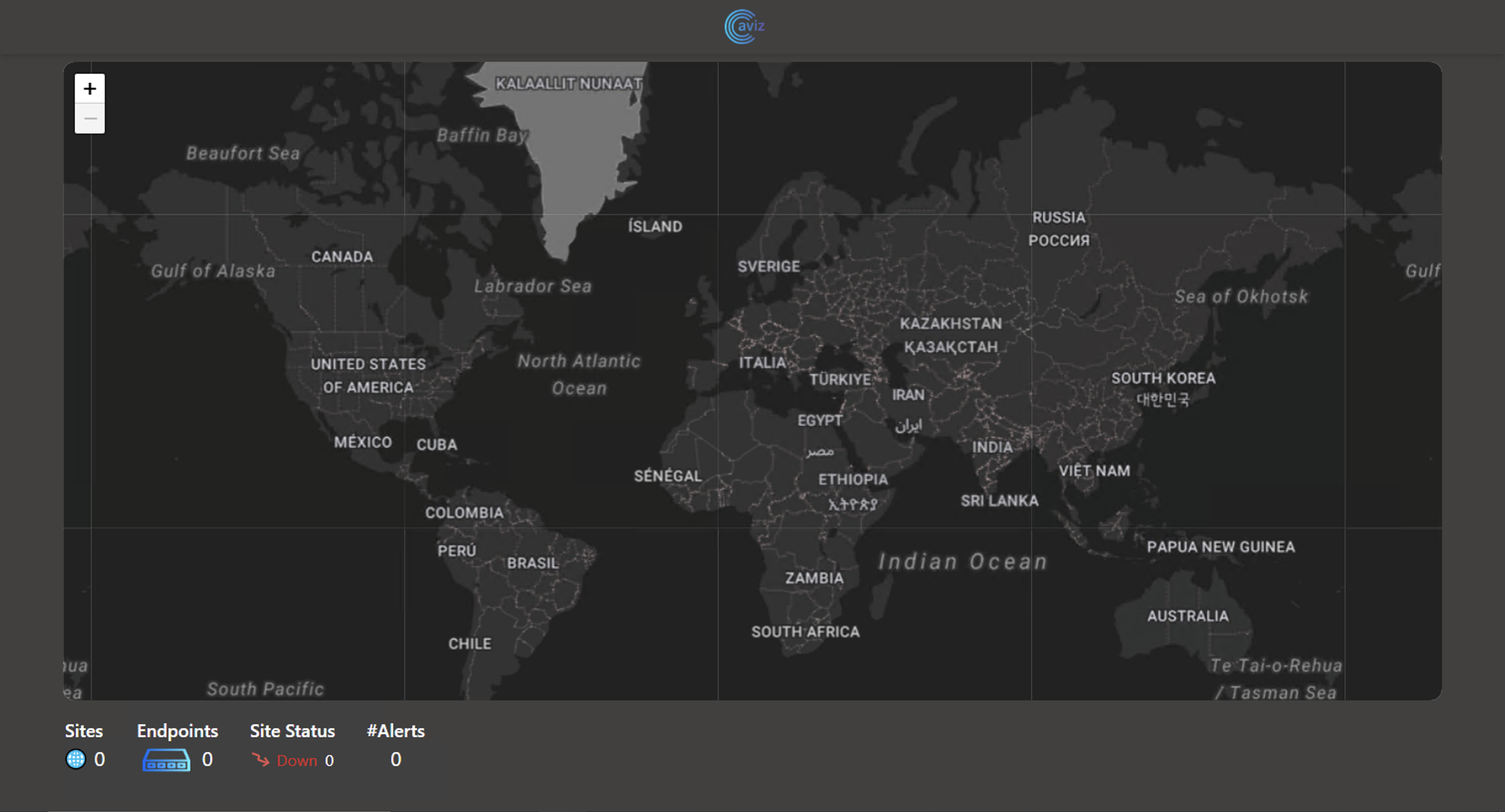
### After successful deployment of ONES-Multisite installer user can access the server using https\://\