Deploy VM Packages
QCOW Integration
Download Qcow2 Package
Work with Aviz Sales/Support contact to create an account on Aviz Networks Support Portal
Login to with your account credentials
Click on the Downloads section, under ONES, click to download ONES Release 1.2
Copy ONES Release 1.2 package (qcow2) to KVM Hypervisor Server
Create the VM using GUI App virt-manager
If your host server has Ubuntu Desktop and virt-manager installed you can use it to deploy the VM. Make sure you can start the Virtual Machine Manager and that it connects successfully to the local hypervisor.
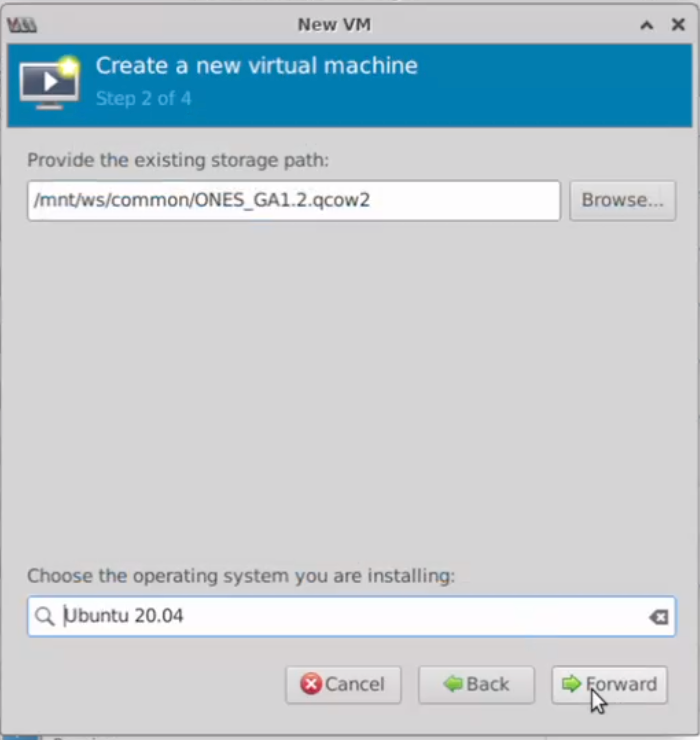
Creating a VM with virt-manager is very straightforward, Use the following steps to deploy the ONES-Application
File -> New Virtual Machine -> Import existing disk image -> Forward
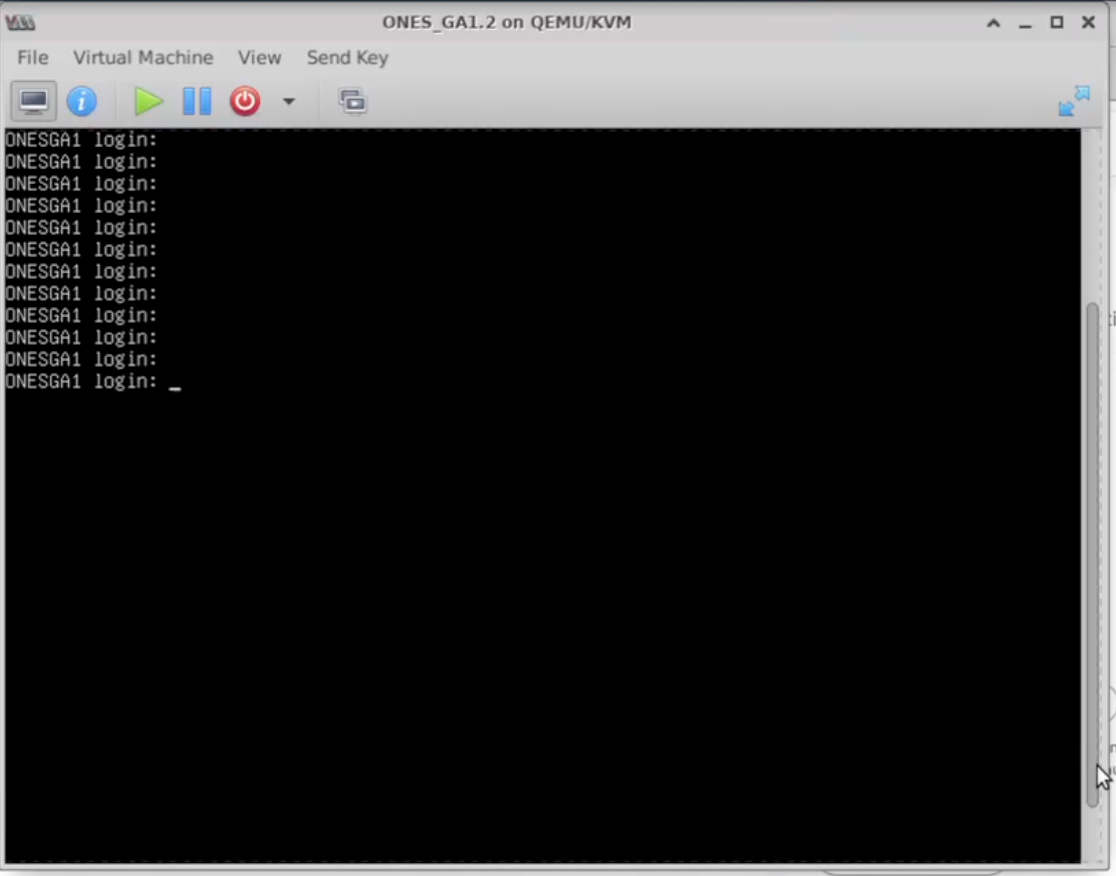
Now the ONES Application is ready to use
Console Access using RDP
Console Access using SSH to Server
Credentials to access ONES QCOW2 VM
OVA Integration
Download OVA Package
Work with Aviz Sales/Support contact to create an account on Aviz Networks Support Portal
Login to with your account credentials
Click on the Downloads section, under ONES, click to download ONES Release 1.2
Credentials to access ONES OVA VM