# Identity & Access Management
The **Windows Active Directory (AD)** data connector integrates Network Copilot with your enterprise directory service using **LDAP**, enabling centralized authentication and user identity management with existing AD credentials.
This integration allows organizations to authenticate users through Active Directory, removing the need to manage local user accounts within Network Copilot.
#### Steps to Add Windows AD as a Data Connector
1. **Open Data Connectors**
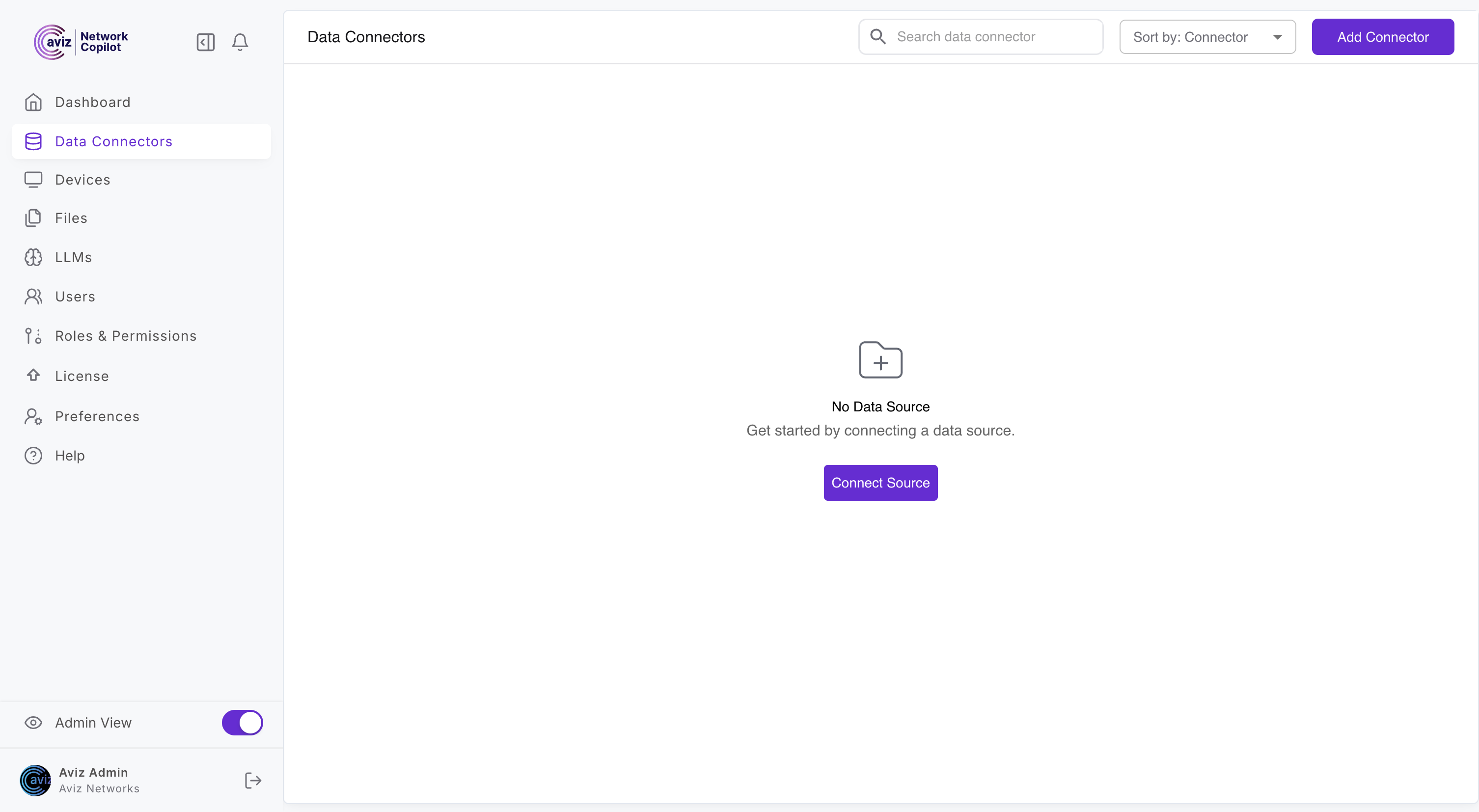
* Toggle **Admin View**
* Navigate to **Data Connectors**
* Click **Add Connector** (top-right)
2. **Select Active Directory**
* From the connector list, select **Active Directory (AD)**\

3. **Configure AD Connection**\
In the **Connect Active Directory** form, provide:
* **Connector Name** - Logical name for the AD integration
* **Description** - Description for identification
* **Directory Server URL/IP** - Active Directory domain controller address
* **Port** - LDAP port
* **Base Directory Root** - Base DN for directory searches
* **Username** - LDAP bind user or service account
* **Password** - Password for the bind account
* **Organizational Unit (OU)** - Scope user searches to a specific OU\

4. **Connect**
* Click **Connect** to validate credentials and establish the connection